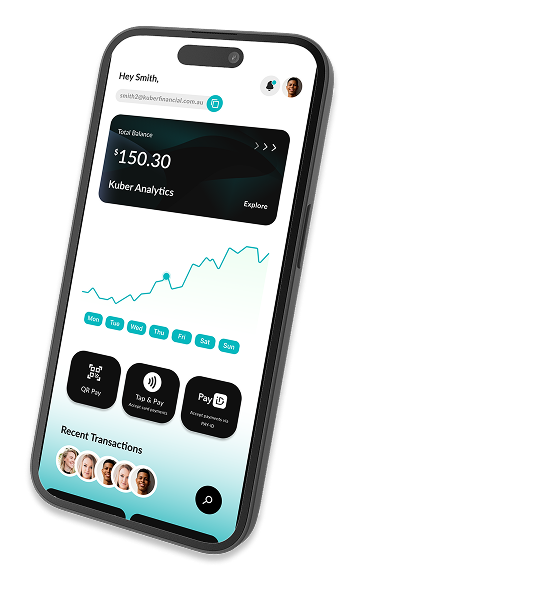
Getting Started with Kuber
Headline: Sign up once. Accept payments everywhere.

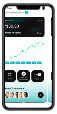
Step 1: Download the Kuber App
Get the Kuber App on the App Store or Google Play.
Tap “Sign Up as a Merchant.”
Enter your business name, ABN, and contact details.
Create your merchant profile setup takes less than 5 minutes.
💡 All merchant accounts start via the Kuber App. Once approved, you’ll automatically unlock access to the Kuber Portal.
Step 2: Complete Your KYC Verification
Open the Kuber App and complete verification
Upload your required identification and business documents.
The Kuber KYC team will review your submission.
If we need more details, you’ll receive an email from: support@kuberfinancial.com.au
requesting any additional documents.
💡 This process ensures security and compliance under AUSTRAC guidelines.
Step 3: Account Approval
Once your KYC is verified, you’ll receive a confirmation email.
Your merchant account becomes active immediately.
Kuber Portal Access Free for 30 Days
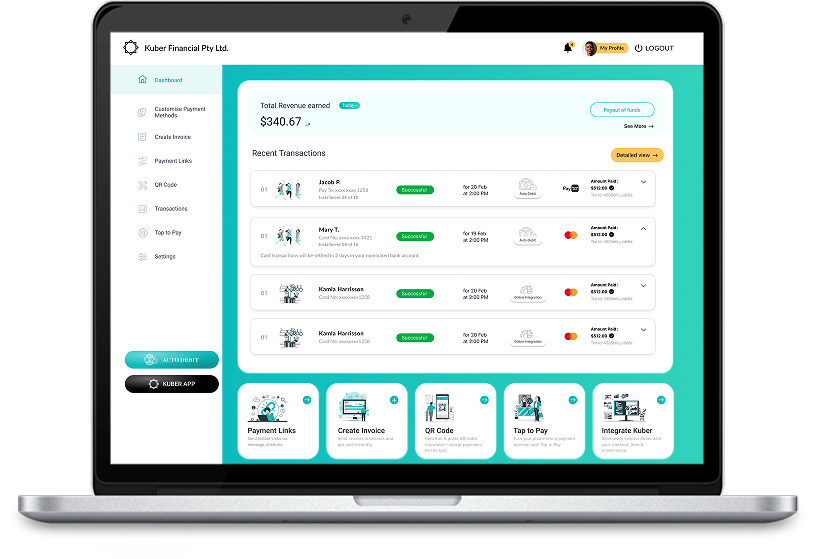
Once your merchant account is approved, your Kuber Portal access unlocks automatically.
- Enjoy full access for 30 days completely free:
- Send invoices and payment links
- Create checkout pages and test API integrations
- Manage users, devices, and roles
- Track transactions, settlements, and insights
After your 30-day trial, continue with:
- Kuber Pro – $15/month (includes AI tools & integrations)
- Kuber Enterprise – custom plans for larger merchants.
No setup fees. No card required. Upgrade anytime.